
npm install
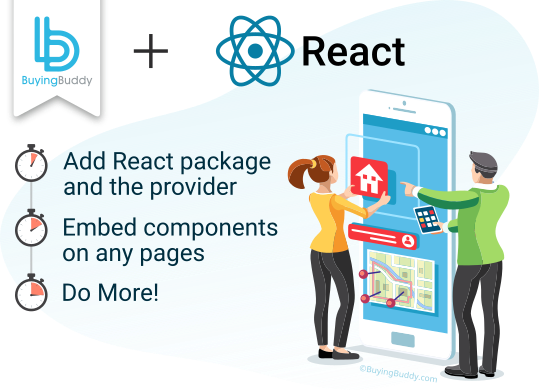
Add @buyingbuddy/react.
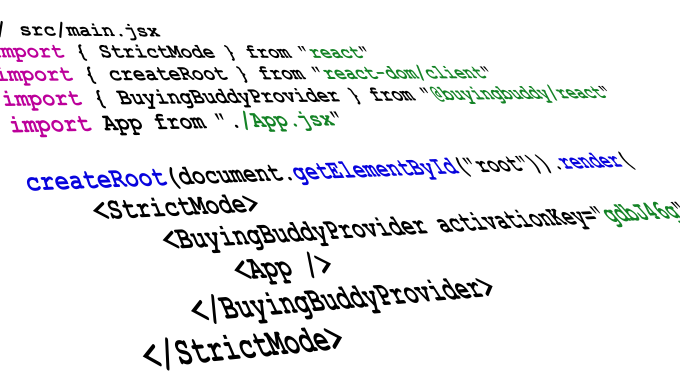
Wrap your app in the provider.
Buying Buddy's official React package makes it easy to add MLS search and lead capture to your React or Next.js app. Drop in components for search, listings, maps and capture - no script tags to manage.
Get A Free 30-Day Trial!Add @buyingbuddy/react.
Wrap your app in the provider.

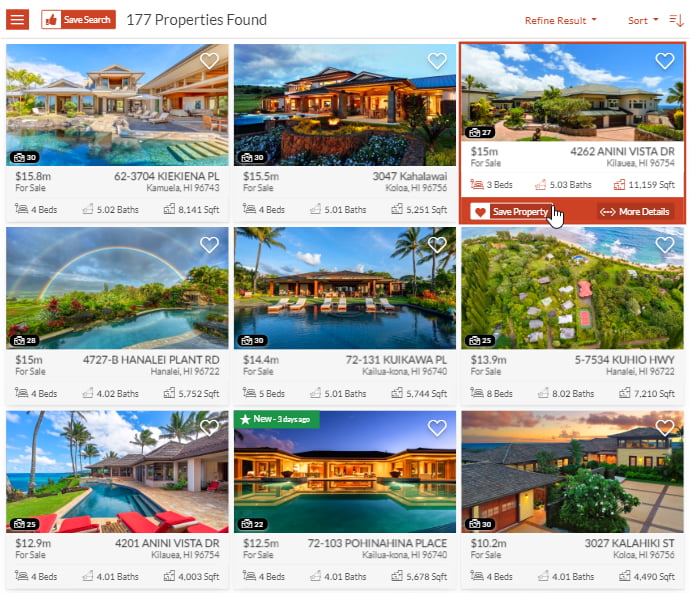
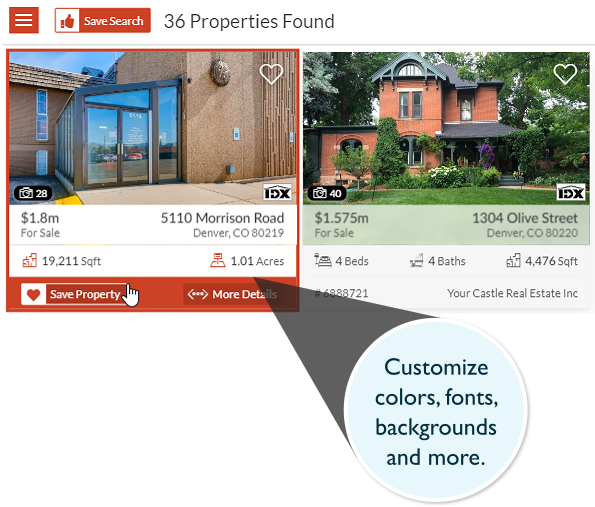
Render MLS properties anywhere across your React and Next.js pages.

Hooks into React's lifecycle so widgets work with client-side routing.
The Buying Buddy React package integrates MLS search, property listings, interactive maps and lead capture into your app as idiomatic components.
A single <BuyingBuddyProvider> loads the runtime for your account, then you add <BuyingBuddyWidget> components wherever you need MLS content - no manual script tags.
It is built for single-page apps, so widgets initialize correctly even with client-side navigation - the common pain point with script-based IDX in React.
One package covers Vite, Create React App, Next.js (App Router and Pages Router), Gatsby and Remix.





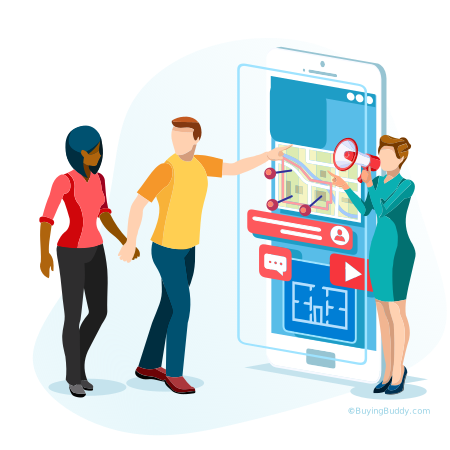


Add the official Buying Buddy React package and render MLS search, listings and capture as components anywhere in your React or Next.js real estate website.
Install the official package and wrap your app once with the provider:
npm install @buyingbuddy/react.<BuyingBuddyProvider activationKey="your-key"> near the top of your component tree.<BuyingBuddyWidget type="SearchForm" /> and other widgets wherever you want MLS content.The provider loads the Buying Buddy runtime for you, so there are no script tags to manage. The same package works across Vite, Create React App, Next.js, Gatsby and Remix.
Yes. Because the provider loads in the browser, it lives in a Client Component.
In the App Router, create a small "use client" providers wrapper and use it in your root layout;
in the Pages Router, wrap the app in pages/_app.tsx.
Pages that render widgets are interactive client components - add "use client" to the page,
or keep the widget in a small client component imported into a server page so your data fetching stays on the server.
Yes. Widgets will not load without a valid Buying Buddy account and activation key - there is no anonymous mode.
Find your key in your welcome email or in your dashboard under Widgets > Installation and Setup,
and pass it to the provider as the activationKey prop.
Don't have an account yet? Start a 30-day free trial or buy a license.
Widgets only load on domains registered to your account. localhost is not currently supported,
but you can use a sandbox, staging or development domain - just ask our Help Desk to add it as an authorized domain.
Four routes, each rendering a single widget:
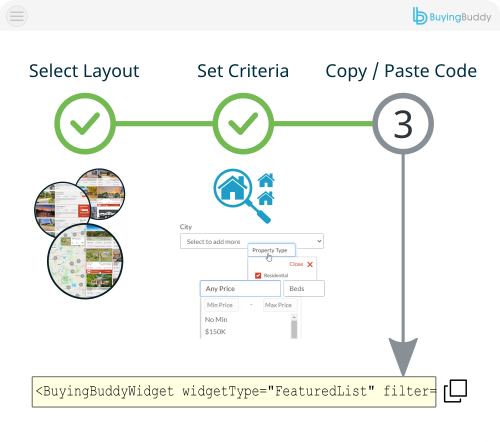
/listing-results) renders <BuyingBuddyWidget type="SearchResults" />/listing-details) renders <BuyingBuddyWidget type="SearchDetails" />/market-area-report) renders <BuyingBuddyWidget type="MarketReport" />/featured-communities) renders <BuyingBuddyWidget type="Communities" />Keep only that one widget in the main content of each (a footer Disclaimer and header login widgets are fine), confirm the paths match the Foundation Pages tab in your dashboard, and do not put a search form on these routes.
The widgets render in the browser after the runtime loads, so their content is not part of the initial server HTML. They are ideal for interactive MLS search, listing display and lead capture inside your React or Next.js site.
Your pages, routes and metadata stay under your control with your framework's own routing and head management, so you build SEO-friendly pages and add Buying Buddy widgets for the live MLS data and capture.
No. You don't need any API credentials, tokens or keys from the MLS, and there are no databases to add to your app. Buying Buddy receives the IDX feed directly from the MLS and the widgets display that content in your pages.
An IDX license agreement and approval from your MLS is required to show live data - a standard process we help you with. Until then, widgets display data from our Demonstration MLS, and switch to your live MLS automatically once approved.
The @buyingbuddy/react package requires React 18 or 19 as a peer dependency. A manual script-based fallback
works on any modern React version, but the package is recommended for virtually every project.


See More IDX Widgets

Fully Integrated
IDX for AI-built sites