
Your AI installs it
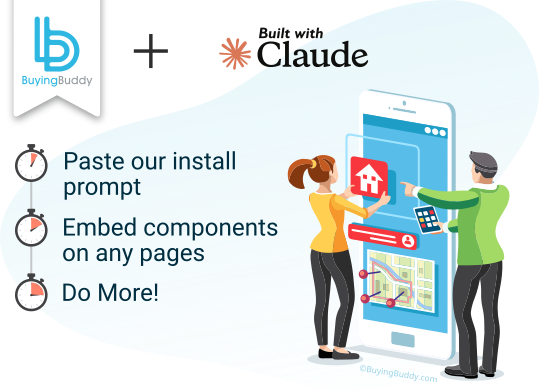
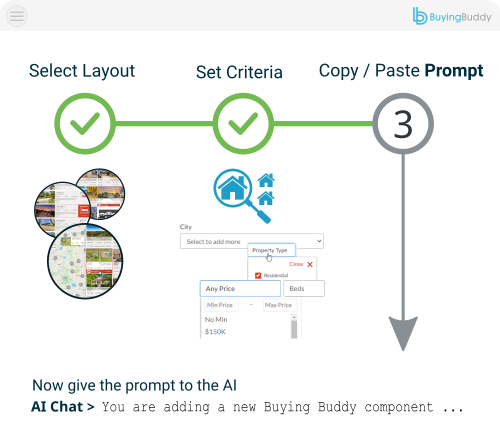
Copy and paste our prompt and Claude adds the plugin loader and widget elements for you.
Yes - adding MLS property search, listings, maps and lead capture to a real estate website built by Claude is easy with Buying Buddy. You don't touch code: copy and paste our install prompt and Claude does it for you, then you publish. Under the hood it installs as a lightweight plugin loader with simple widget elements - no npm and no build step.
Get A Free 30-Day Trial!Copy and paste our prompt and Claude adds the plugin loader and widget elements for you.

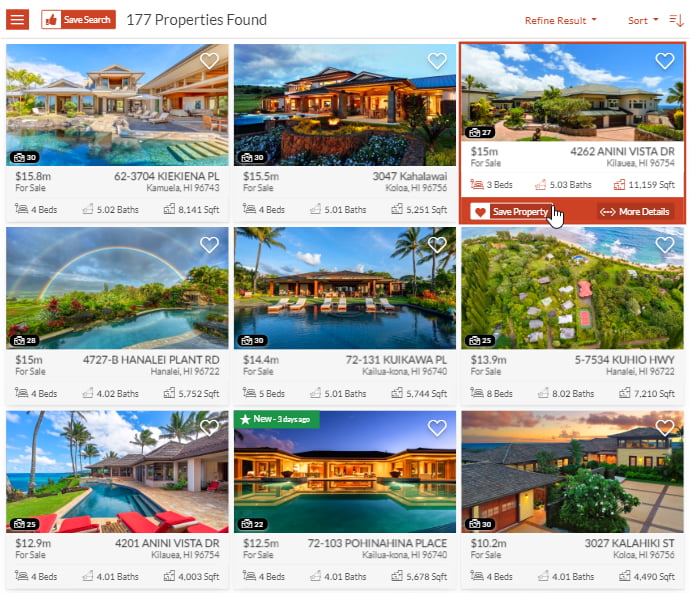
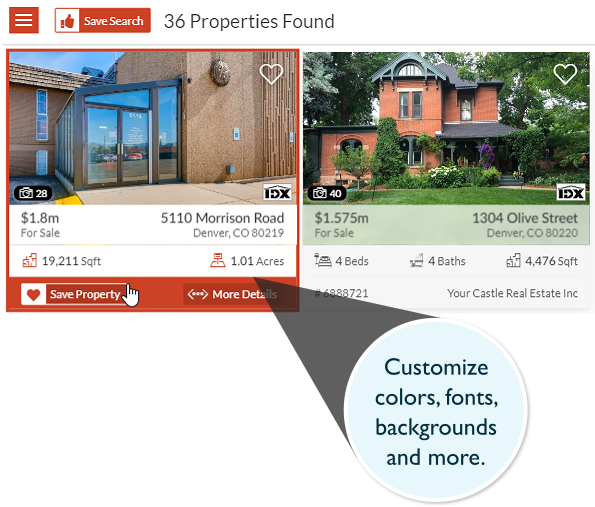
Show MLS content anywhere on your pages - no coding.

Works on the static files you publish, wherever you deploy them.
Adding the full MLS to your Claude-built site is simple - MLS search, property listings, interactive maps and lead capture, all displayed on your own pages.
Because Claude outputs a static HTML site, Buying Buddy installs as a lightweight plugin loader - no npm, no build step, no provider to wrap.
Claude can do the whole install from our AI prompts - see Install in Claude with AI.

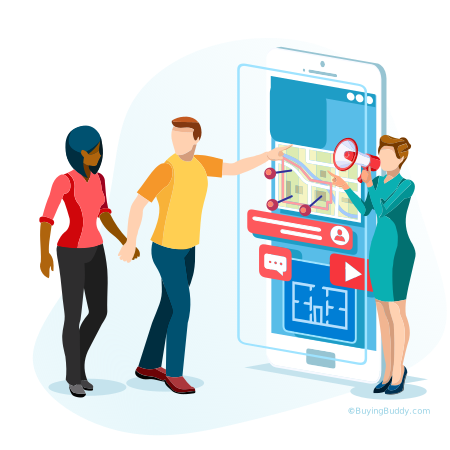


Add the Buying Buddy plugin loader to your Claude-built site and place widget elements for MLS search, listings and capture anywhere in your real estate website.
Claude can do the whole install for you from our Claude AI prompts. You copy and paste each prompt and Claude makes the changes - no coding needed.
Prefer to install it by hand? The manual steps are in the next question.
Yes. If you would rather not use the AI prompt, you can add the plugin yourself:
<bb-widget> elements - a search form, your four foundation pages (results, details, market report, communities), and the disclaimer.There is no npm dependency and no build tooling - the loader runs in the browser and turns your widget elements into live MLS content.
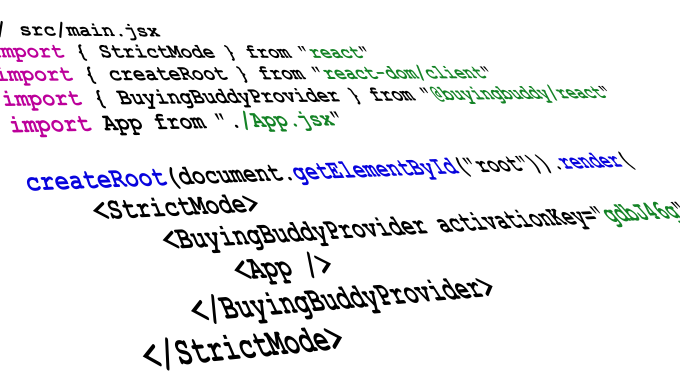
No. There is no npm dependency and no build tooling. You add a loader script to the site head and place
<bb-widget> elements in your HTML - that is the whole install.
No. Claude's static export can re-run scripts in the site head. Buying Buddy is delivered as a run-once guarded loader that handles this automatically, so the widgets initialize correctly with nothing for you to do.
Claude gives you static files that you deploy yourself - for example to Netlify. The widgets run on whatever domain you publish to; just authorize that domain in your dashboard and test there.


IDX for AI-built sites

Fully Integrated
Another AI builder
Another AI builder