
Your AI installs it
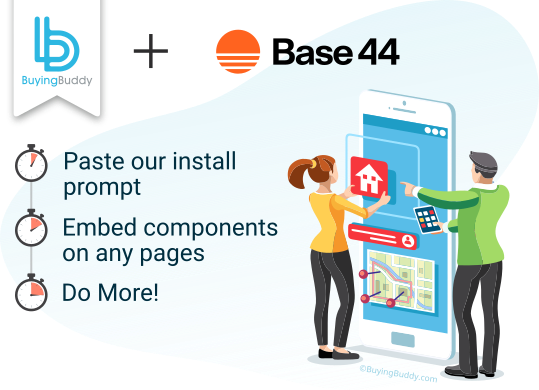
Paste one line and Base44's AI adds the package and provider for you.
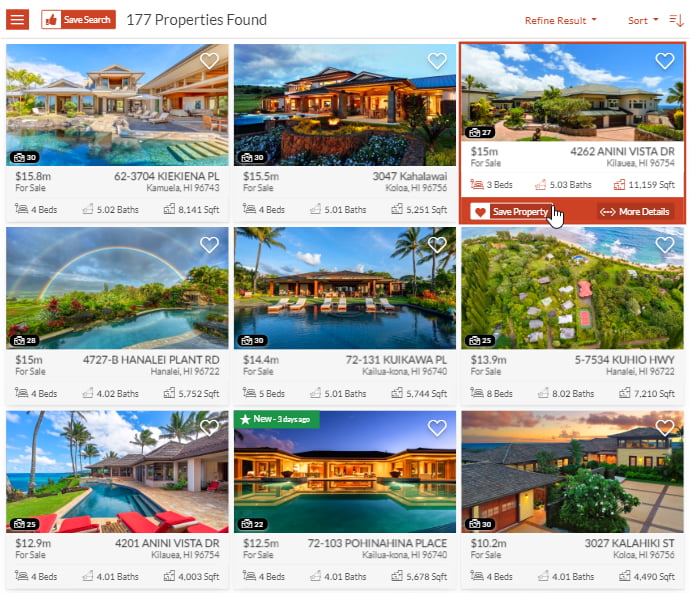
Yes - adding MLS property search, listings, maps and lead capture to a Base44 real estate
website is easy with Buying Buddy. You don't touch code: paste our install prompt and
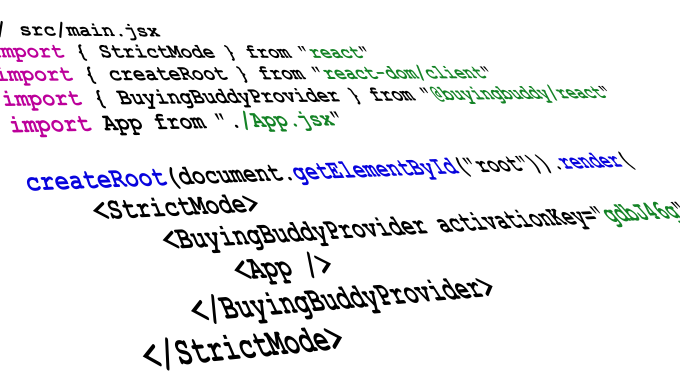
Base44's AI adds everything for you. Under the hood it installs as the official
@buyingbuddy/react package, so it works the way Base44 builds - as native components.
Paste one line and Base44's AI adds the package and provider for you.

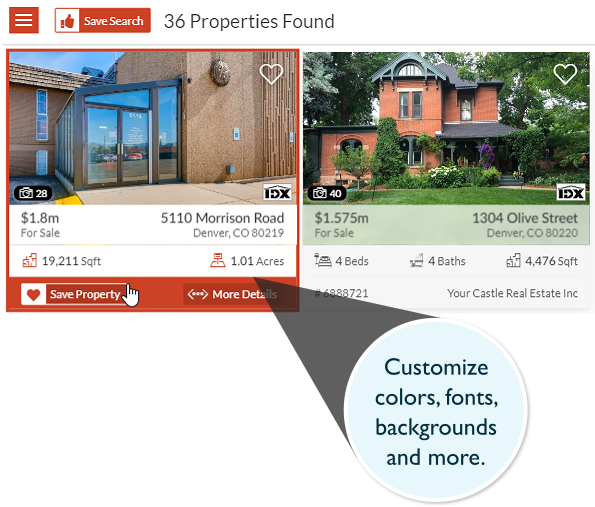
Render MLS properties anywhere across your Base44 app's pages.

Your pages and brand stay yours - no iframes and no lock-in.
Adding the full MLS to your Base44 real estate site is simple - MLS search, property listings, interactive maps and lead capture, all displayed on your own pages.
Because Base44 builds a React app, Buying Buddy installs as our official React package and runs as native components - not an iframe or a bolt-on.
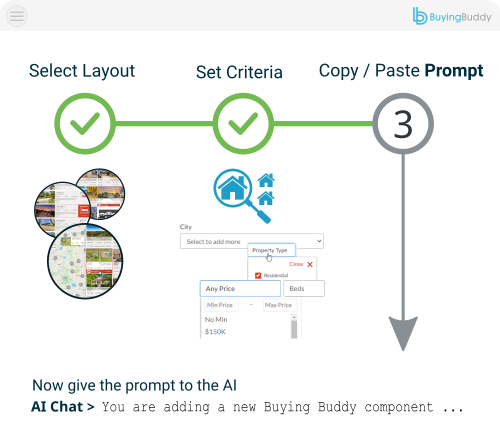
Base44's AI can do the whole install from our AI prompts - see Install in Base44 with AI.




Add the official Buying Buddy React package to your Base44 app and render MLS search, listings and capture as components anywhere in your real estate website.
Base44's AI can do the whole install for you from our Base44 AI prompts. You paste one line for each step into the Base44 chat and it makes the changes - no coding needed.
Prefer to install it by hand? The manual steps are in the next question.
Yes. If you would rather not use the AI prompt, you can install the package yourself:
@buyingbuddy/react and wrap your app once with <BuyingBuddyProvider activationKey="your-key">.<BuyingBuddyWidget> components - a search form, your foundation pages (results, details, market report, communities), and the disclaimer.The widgets render in the browser and hook into React's component lifecycle, so they initialize correctly in single-page apps and with client-side navigation.
No. Paste our prompt into the Base44 chat and it installs the package, adds the provider and drops in the widgets for you.
Yes. Buying Buddy widgets work on both your Base44 preview and your published site - just add each domain in Website Options
in your Buying Buddy dashboard. Base44 does not display the preview domain, but it follows a fixed pattern: it is your Base44
Built-in URL with preview-- in front - for example your-app.base44.app becomes
preview--your-app.base44.app.
No. There are no API keys to obtain and nothing to host. Buying Buddy receives the IDX feed directly from the MLS and the widgets display it in your Base44 app. An IDX license and MLS approval are required to show live data - a standard process we help you with - and until approval, widgets show our Demonstration MLS.


IDX for AI-built sites

Fully Integrated
Another AI builder
Another AI builder
Another AI builder